 Deutsch
  España
  Francais
  Polish
  Russian
  Čeština
  Greek
Greek  Lithuania
  Romanian
  Arabic
  Português
  Indonesian
  Croatian
  Serbia
  Farsi
Farsi  Hebrew
  Mongolian
  Bulgarian
  Georgia
  Azerbaijani
  Thai
Thai  Turkish
  Magyar
 Overview Statistics Module (Dashboard)


The Overview Statistics module provides school management with a centralized place to view various statistics about the students at your school. Where can I find the Overview Statistics module?
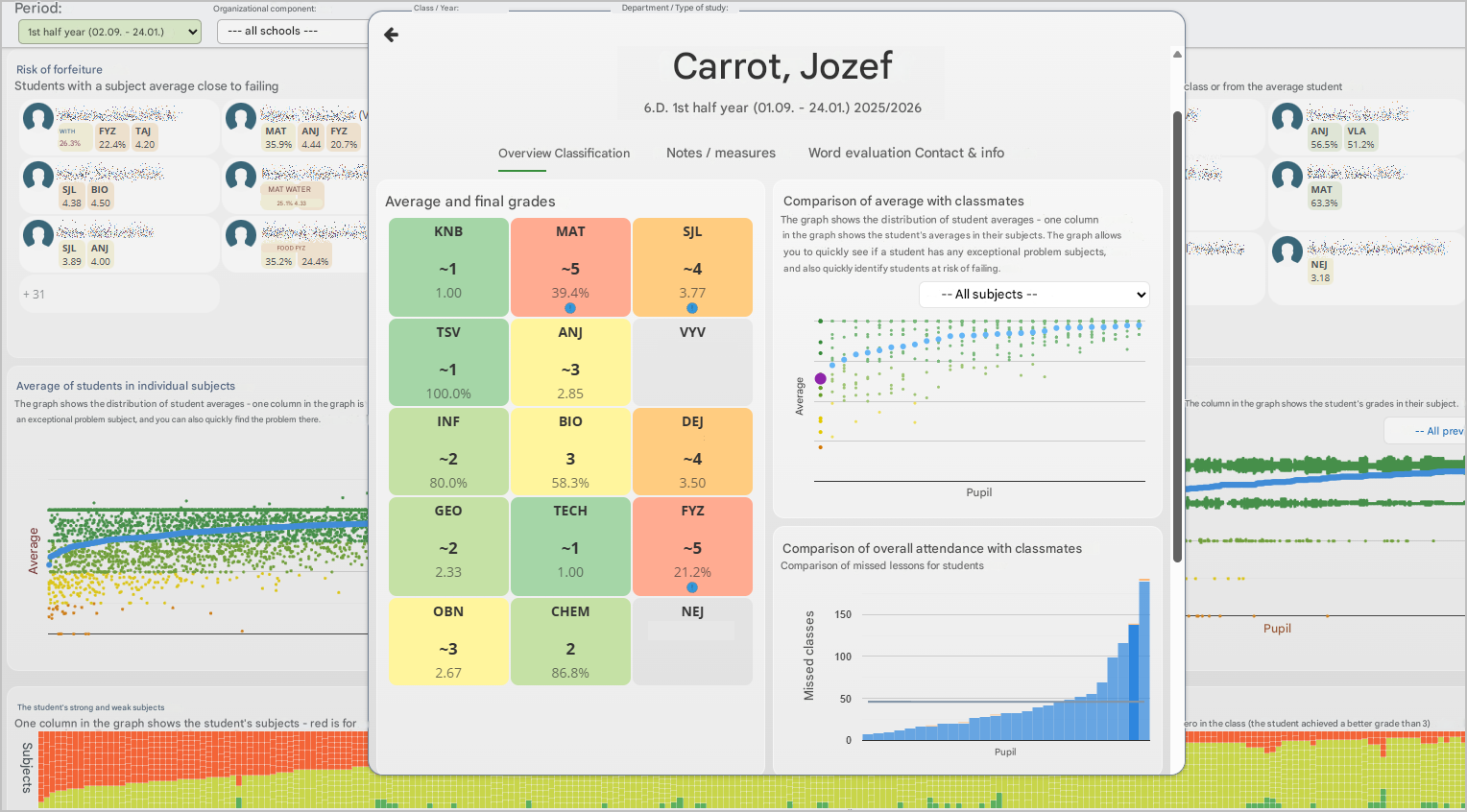
In each section, you can see a clear visual chart as well as a list of specific students — both those who are performing well and those who may be struggling in that particular area and might need support. You can click on any student in the list or directly in the chart to view a detailed overview of that student’s information for the current school year.
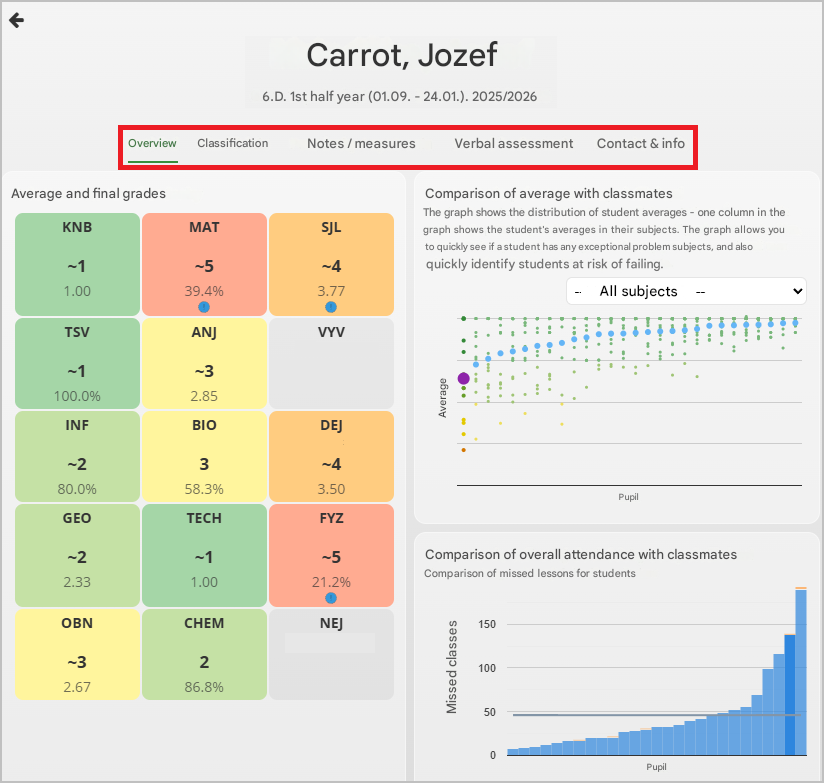
At the top of the page, you can switch to additional tabs with more information about the student.
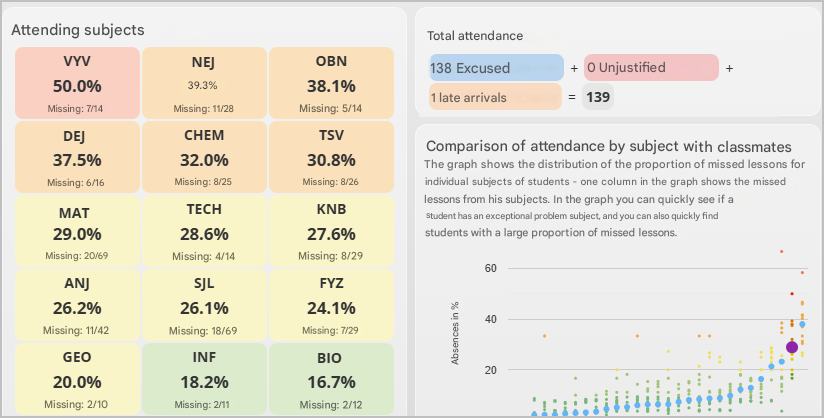
Information about a student’s attendance is also important — specifically, the percentage of lessons in a given subject that the student has missed during the current grading period.
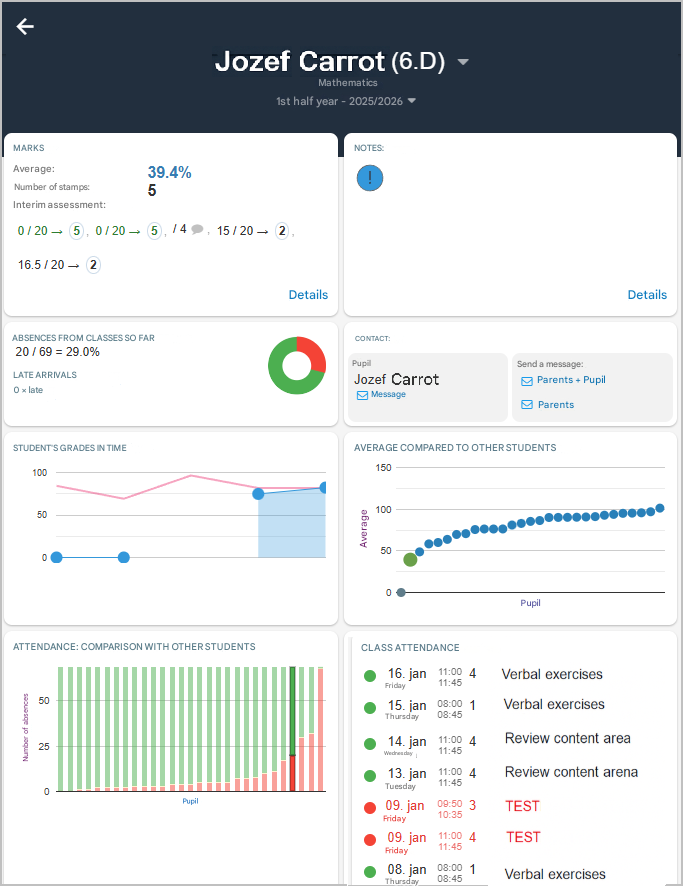
Clicking a specific lesson hour displays detailed information about the student for that hour.
More guides:
Which grades can I see in the statistics?
Statistics