
 Deutsch
  España
  Francais
  Polish
  Čeština
  Greek
Greek  Romanian
  Arabic
  Português
  Indonesian
  Croatian
  Serbia
  Farsi
Farsi  Hebrew
  Mongolian
  Georgia
  Azerbaijani
  Turkish
  Magyar
 Number of students in class and groups


You can specify the number of students for every class and all groups in the dialog "Divisions" (use menu "Classes -> and select the Class).
Select Entire class and use "Edit" button. Then you can specify exact number of student for this class.
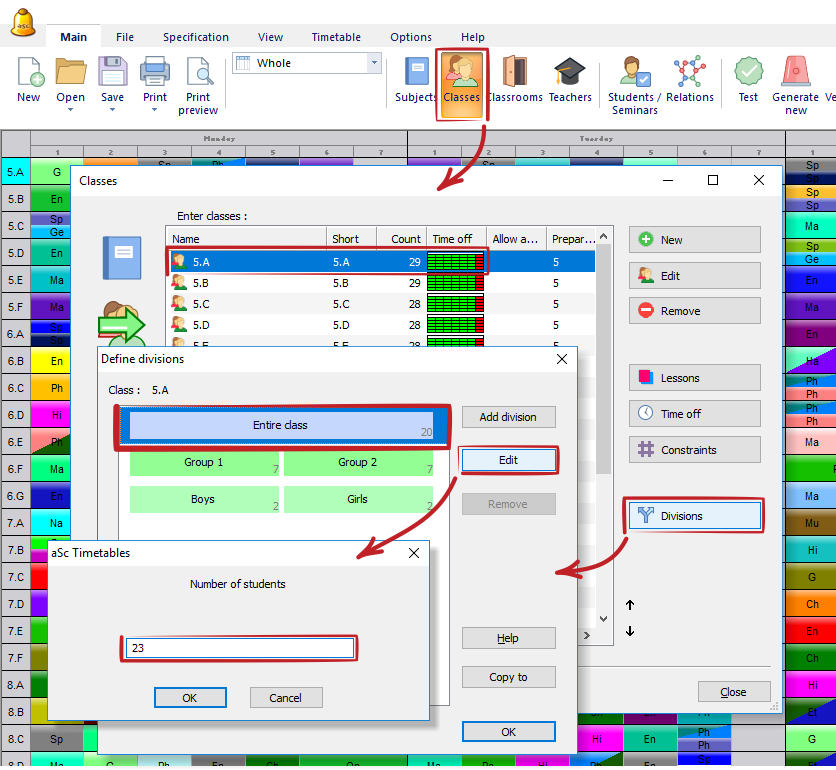
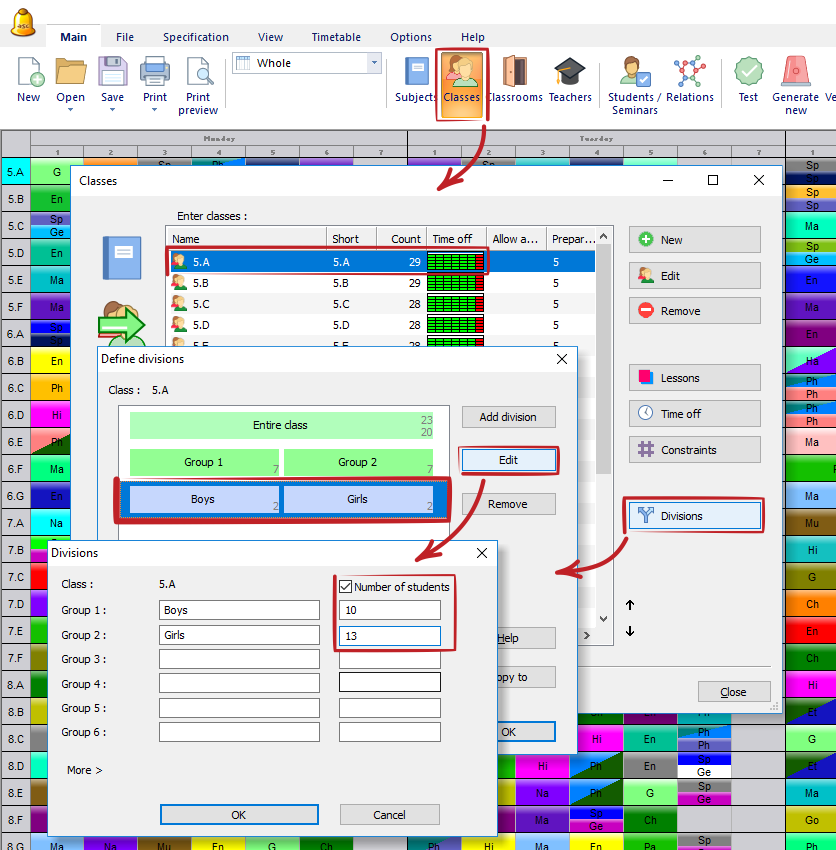
In a similar way you can also specify the size of each group in division. Just select the row with division and in the new dialog select "Number of students". Then just input numbers of students in every group.
See also:
Classroom capacities